

iPhone · iPad · Mac · Android

Make every playlist flow.

Seaglass is a hands-on music player: beat-aware transitions, tempo control, synced lyrics and a library you can shape.

An unofficial, independent project: not affiliated with Google, YouTube, Spotify or Apple.

Seaglass's glass music note
  • 4apps: iPhone, iPad, Mac, Android
  • 11languages, Arabic right to left
  • ±15%tempo, with key lock

Your music, in motion Beta Premium

AutoMix: transitions that listen

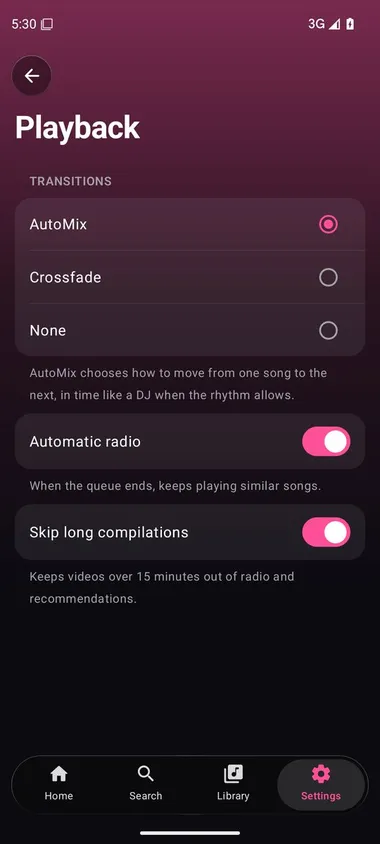
AutoMix analyses your songs and chooses a transition that suits them. When the rhythm allows, it lines up the beats by gliding the tempo gradually, without changing the pitch; when two songs don't suit each other it picks another kind of transition instead.

  • Finds each song's tempo, beats and bars on your device.
  • Mixes in time, bar by bar, with a bass swap and a filter sweep.
  • Falls back to a simple crossfade when a mix wouldn't sound right.
  • Choose short, normal or long mixes, or switch it off.

AutoMix is a beta feature: it works, but it is still being tuned, and some transitions may not sound right yet.

Song A Song B Bass swap
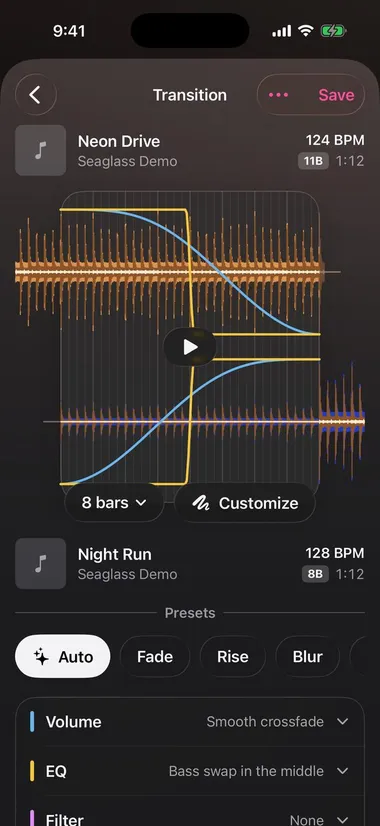
The transition editor: two waveforms with their volume and EQ curves, and presets underneath

Beta Premium

Playlist Mix: design every transition

Open a playlist of downloaded songs and shape each transition yourself, with waveforms to see exactly where the songs meet.

  • Pick the length in bars, or let Auto choose a preset: Fade, Rise, Blur and more.
  • Draw the volume curves, swap the bass, add a filter or an effect.
  • Listen to the transition before you save it.

The playlist Mix is a beta feature too.

Premium

Tempo fader, as in a DJ app

Speed a song up or slow it down by up to 15% (or 8, 25, 50%) and see its BPM. Key lock keeps voices at their pitch; switch it off and the pitch moves with the tempo, as on a turntable.

iPhone, iPad and Mac.

Speed0%
BPM124.0
Pitchoriginal key

Drag the slider

Premium

Follow along, then sing

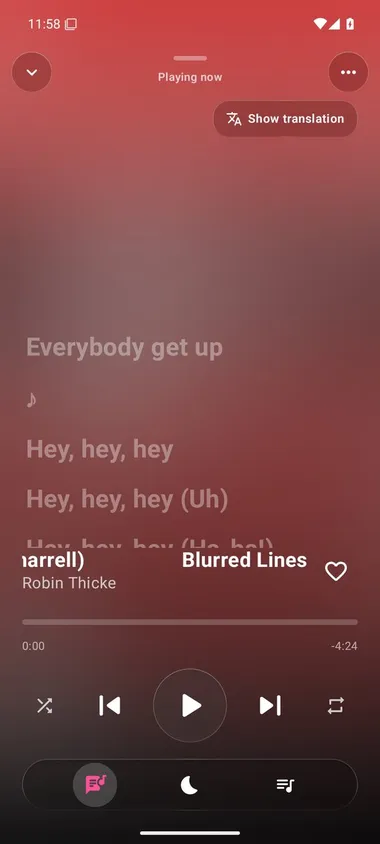
Synced lyrics scroll with the song and jump to a line when you tap it. Translate them with on-device tools, and let AI karaoke take the voice out of the song: it all happens on your device.

  • Synced lyrics from LRCLIB, with automatic scrolling.
  • Translation where your device supports the language.
  • AI karaoke: slide the vocals down to silence, or keep them and lose the band.
  • Recognise music playing nearby with one tap.

Sound that's yours

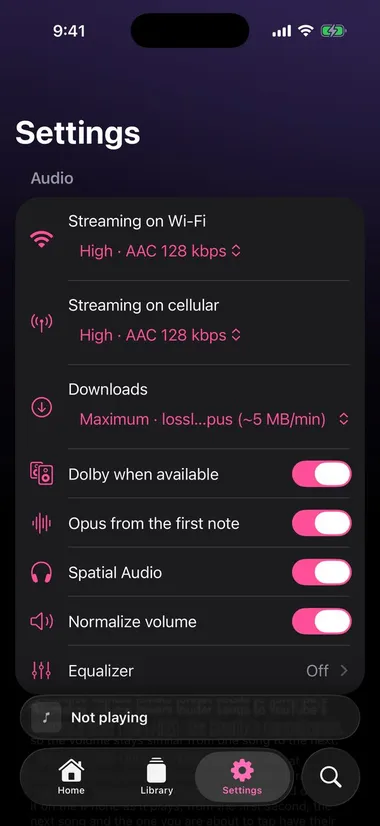
Choose the audio quality for Wi-Fi, mobile data and downloads. Maximum quality can use Opus; Dolby Digital Plus or AAC when they're available. The format depends on the song and your device.

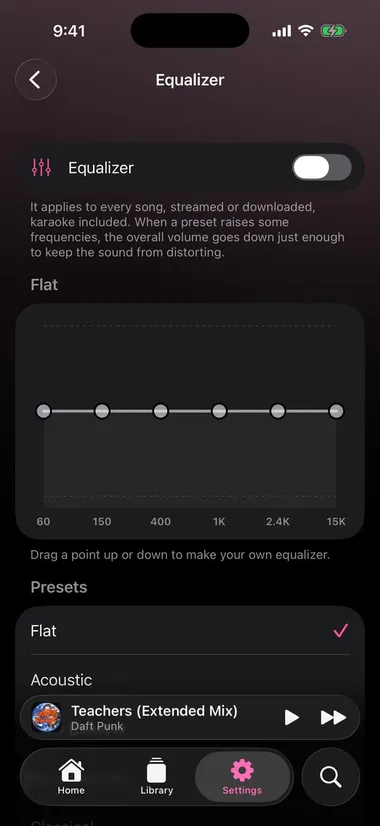
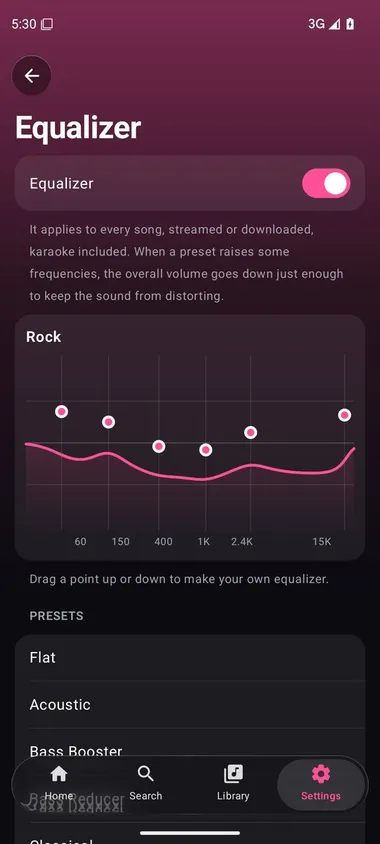
  • Equaliser with presets, or a curve of your own.
  • Volume normalisation, so songs sit at the same level.
  • Controls on the Lock Screen, in Control Center, over AirPlay and Bluetooth.
  • Bit-perfect output to USB DACs on Android 14 and later.

An illustration: the presets in the app differ.

A library of your own

Everything you'd expect from a music app, and a few things you wouldn't.

  • Downloads

    Songs, albums and playlists for offline listening, with storage usage in settings.

  • Your own songs

    Choose a folder on your device and its MP3, M4A, FLAC, WAV and AIFF files play where they are, with the queue, playlists, AutoMix and karaoke.

    iPhone & iPad
  • Import playlists

    Bring them from Spotify, Apple Music and YouTube links or files, then review what couldn't be matched.

  • Swipe to queue

    Swipe a song right to add it to the queue; hold it for more options.

    iPhone & iPad
  • Radio and mixes

    Radio stations and personalised mixes from the YouTube Music catalogue.

  • Podcasts

    Follow shows, pick up each episode where you left it, change the speed, skip 15 or 30 seconds and jump between chapters.

  • Last.fm

    Connect Last.fm to scrobble what you play and get more from your listening.

  • Song recognition

    Tap to identify what's playing nearby, then save it to your favourites, downloads or a playlist.

    iPhone, iPad & Mac
  • One account, every device

    An optional Seaglass account keeps favourites, playlists, history and listening preferences the same on iPhone, iPad and Mac.

    iPhone, iPad & Mac

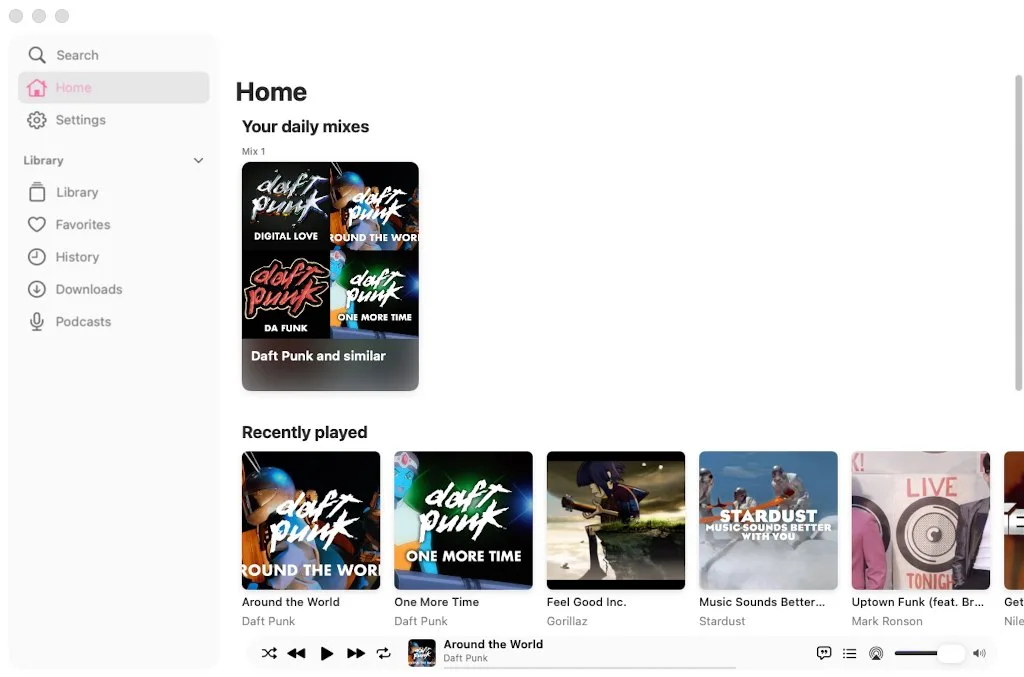
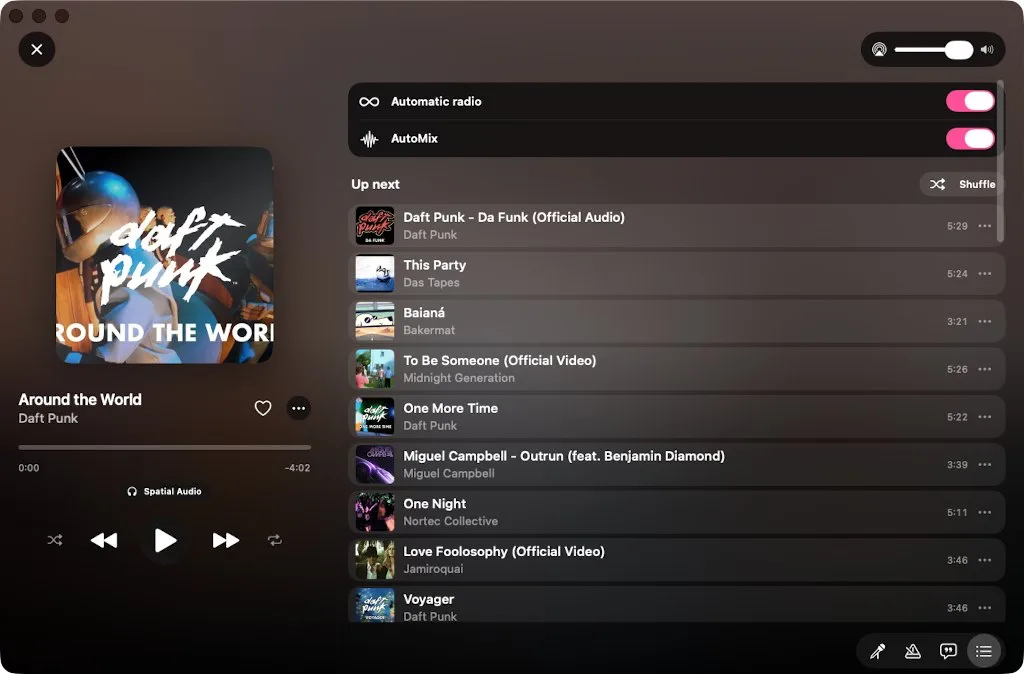
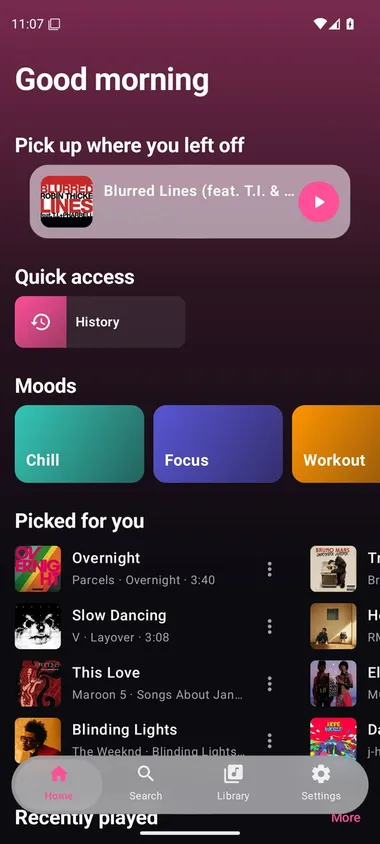
One player, everywhere

The same catalogue and the same ideas on the phone in your pocket, the tablet, the Mac and Android.

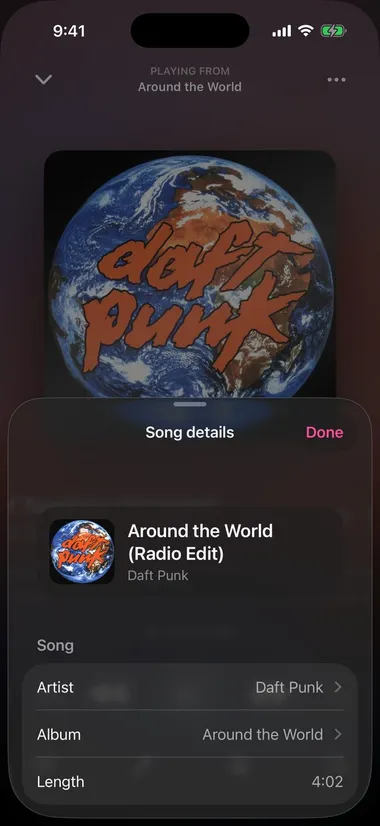
iOS 26 or later, and iPadOS 26 or later with a layout of its own. Every feature on this page, in a design built for Liquid Glass.

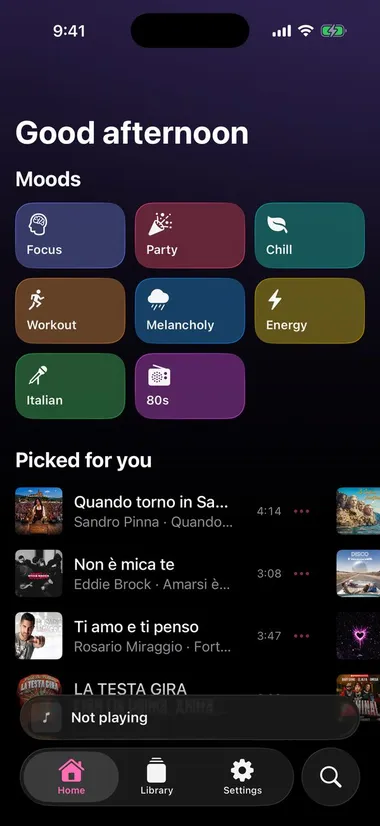
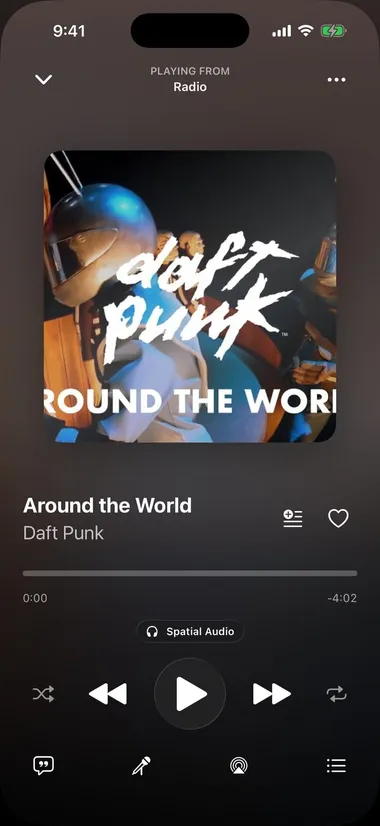
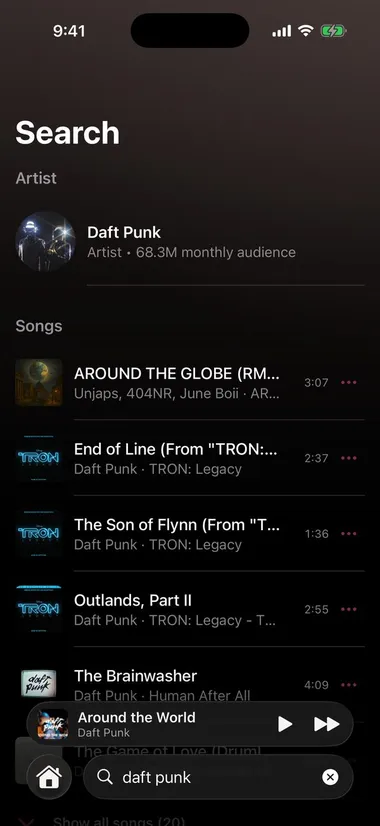
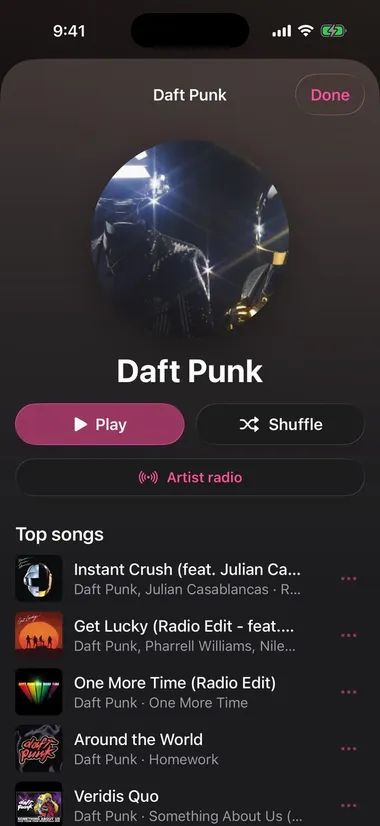
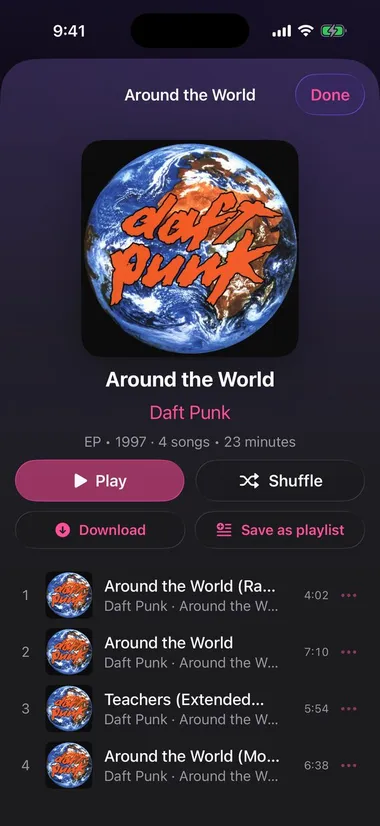
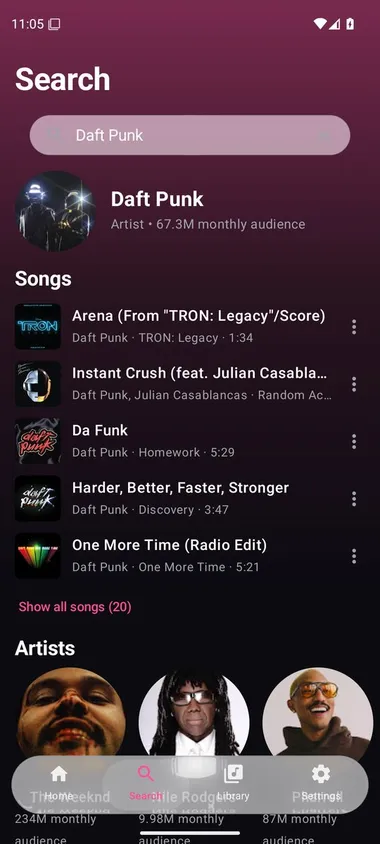
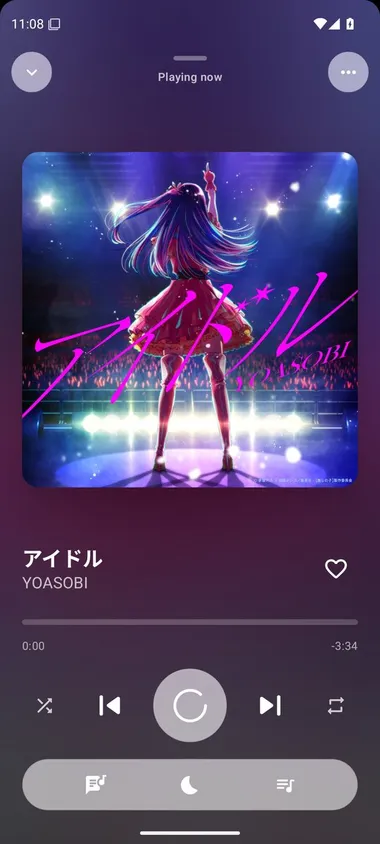
Home Search Player Artist page Album page Equaliser Audio settings Song information

Screenshots from the simulators. Artwork, names and music belong to their rights holders.

Premium

Premium, when you want more

Seaglass Premium is a subscription on Patreon, linked to your Seaglass account. It unlocks AutoMix (beta), the playlist Mix (beta), importing playlists from links, song recognition, lyrics translation, AI karaoke and Tempo on iPhone, iPad and Mac.

As on Spotify, the account itself (name, password, subscription, deleting it) is managed on its web page; the app shows it and signs in.

Open the account page

Or support the project on GitHub Sponsors or Buy Me a Coffee. GitHub Sponsors · Buy Me a Coffee

In your language

The interface follows your device's language.

  • English
  • Italiano
  • Français
  • Español
  • Deutsch
  • Português
  • 简体中文
  • 日本語
  • Русский
  • Türkçe
  • العربية

Install Seaglass

Seaglass isn't on the App Store or Google Play: it comes straight from GitHub.

iPhone & iPad

iOS or iPadOS 26 or later. The IPA is unsigned: sign and install it with Sideloadly, AltStore Classic or SideStore.

  1. Download Seaglass.ipa.
  2. Open it in your sideloading tool and follow its steps.
  3. If asked, turn on Developer Mode and trust the profile in Settings.
Download the IPA

AltStore Classic

Add Seaglass's source once, then install and update from AltStore.

https://raw.githubusercontent.com/Foglio24/onda/main/altstore-source.json

Add to AltStore

Mac

A Mac with Apple silicon (M1 or later) on macOS 26 Tahoe or later.

  1. Download and open Seaglass-mac.zip.
  2. Drag Seaglass to Applications.
  3. The first time, go to System Settings → Privacy & Security and click Open Anyway.
Download for Mac

Android

Android 10 or later.

  1. Download the latest Seaglass APK from the releases.
  2. Open it and allow installs from your browser when Android asks.
  3. Updates install over the app and keep your library.
Android releases

Questions

Why is AutoMix called beta?

It's new and still being tuned on many kinds of music: the choice of transition and its timing can still be off for some songs. The playlist Mix is the same. They improve with every version.

Does AutoMix always beat-match?

No. It favours transitions in time when they suit the songs, but picks another transition when their rhythms or vocals would make a mix sound wrong.

Why isn't the audio always Opus?

What's available varies by song. The app may use another format, for example when Dolby is available or Opus can't be decoded. The player shows the format, and the settings have diagnostics.

Why are some songs missing after an import?

Some recordings can't be found or matched with enough confidence. The import report lists them and offers alternatives. For long Spotify playlists, import a JSON or CSV file.

How do I report a problem?

Open an issue on GitHub with your app version, your device and the steps to reproduce it. Settings → Diagnostics can build a report.